

Sign up
Go to app.crewfather.com and create an account with your name, email and a password. You can also sign in with Google or Apple.
Every new workspace starts with a 14 day free trial and does not ask for a card. You can set everything up and decide later.
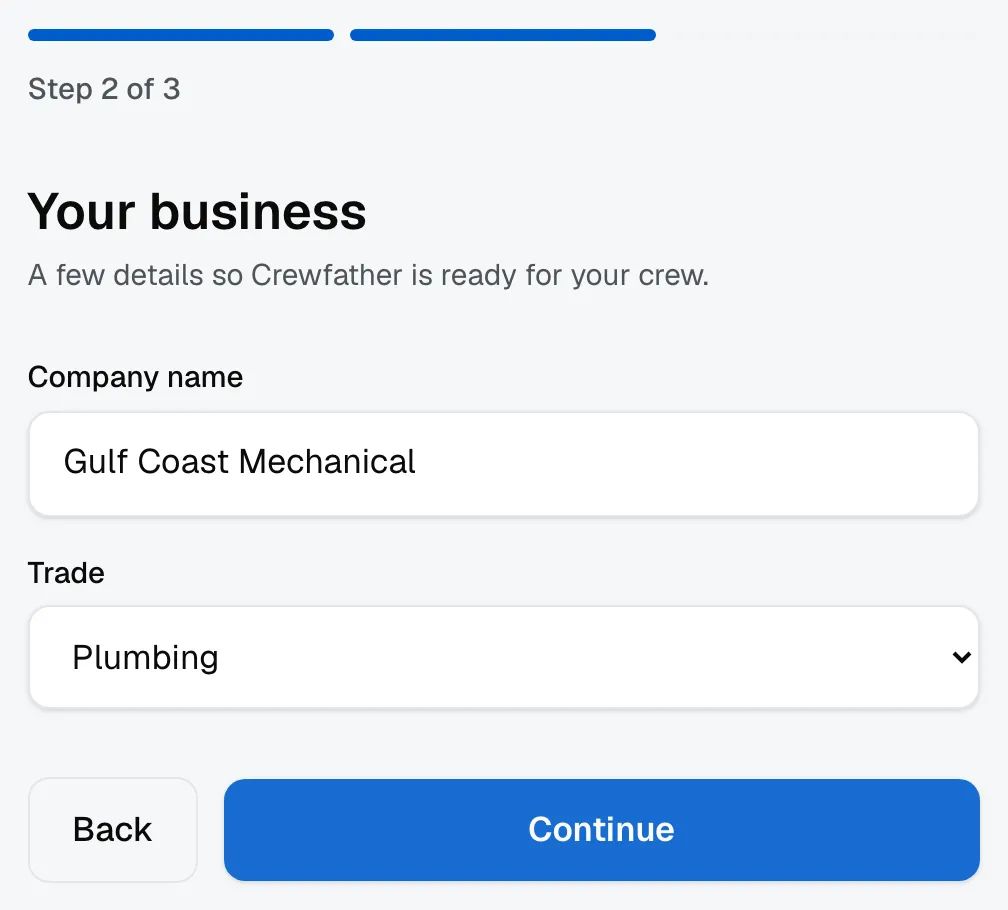
Tell us about your company
The first time you sign in, Crewfather asks for your company details and your trade. This is quick and it is worth doing properly, because the details you enter here appear on the estimates and invoices your customers receive.
You can change any of it later under Settings.
What to do first
The fastest way to see how the app fits your business is to follow one job all the way through:
- Add a customer under Customers.
- Create a job for them and put it on a board.
- Send them an estimate, then an invoice.
That path touches most of what you will use day to day.
The Home screen keeps score for you. A Finish setup checklist sits on Home for owners and admins: business info, logo, card payments, your mailbox, your team. Each item opens the right settings screen directly, ticks itself off when done, and the whole thing disappears once everything is.
When the trial ends
Your plan, payment method, invoices and cancellation all live under Settings, then Billing. Nothing is charged until you choose a plan.