
A payment link for one invoice
From an invoice, create a payment link and send it to your customer. It opens a secure checkout page where they pay by card.
Your customer does not need a Crewfather account and does not have to sign in.
Card details are entered on the payment page, never in Crewfather, so we never see or store a card number.
Paying from the portal, your customer can also add a tip and save a card for next time. What else the portal lets them do, approving and declining estimates included, is covered in what your customer can do.
A portal for everything
You can also give a contact a portal link, from their contact record. One link shows them everything that is not a draft: their estimates, their invoices, what has been paid and what is outstanding.
Treat it like a password. Anyone holding it can see that customer’s documents and balances without signing in, and it keeps working for 12 months unless you revoke it. If a link goes to the wrong person, revoke it from the same place you created it and it stops working immediately.
Owners, admins and team members can create and revoke these links. Subcontractors cannot.
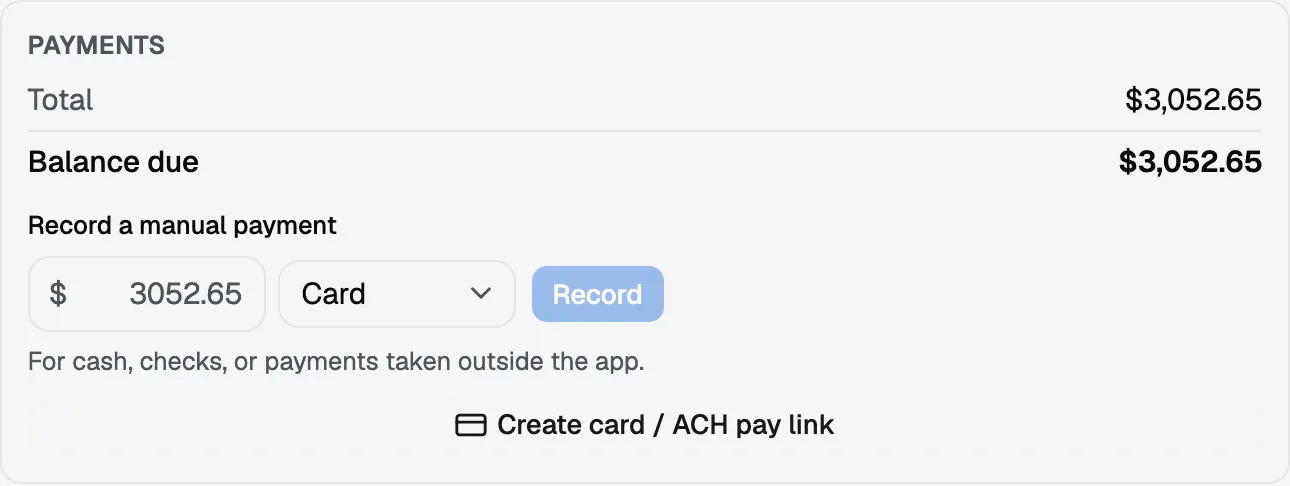
Recording a payment you took another way
Cash and cheques still happen. Record the payment against the invoice and the balance updates the same way it would after a card payment, so what is outstanding stays true.
Fees
Card payments carry the payment processor’s fees, and Crewfather may take a platform fee on the amount collected.
Both come out of your payout rather than being added to what your customer is charged. Your customer pays the invoice total and nothing else.
The rates that apply to your workspace are on your billing page under Settings.