

Add a customer
Customers is your customer list, and it holds two kinds of record: people and companies. A person can be linked to the company they work for, so the property manager and the management company are two records that know about each other rather than one blurred one.
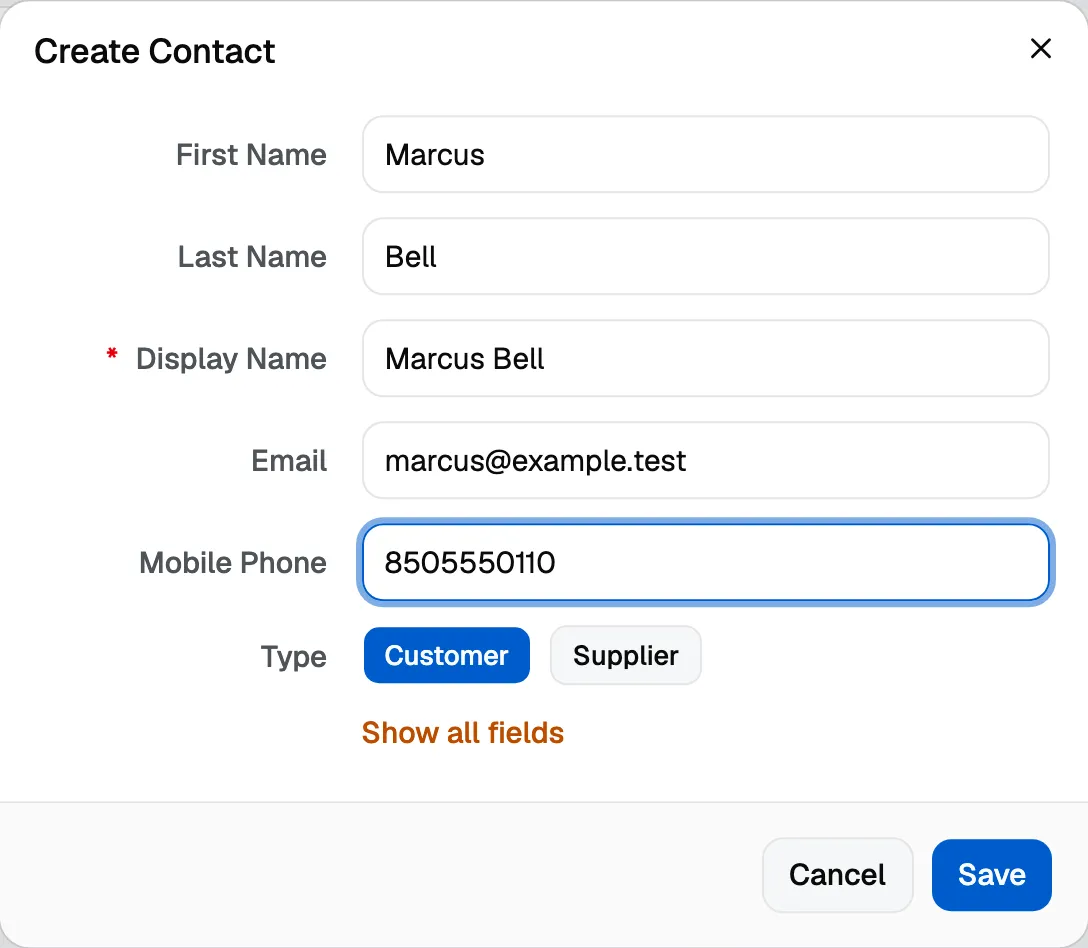
A customer is who you bill and who you talk to. Jobs, estimates and invoices all attach to one, so it is worth adding the customer first.
You can also create a Person, Company, Supplier or Job site from the Create button beside the search bar, on any screen, without navigating first.
Bring your list in instead of retyping it
- Import a CSV. The Import button on Customers walks you through matching your file’s columns and shows what it will do before it does it. Anyone already in your list, matched by email or phone, is left alone rather than duplicated.
- Import from QuickBooks. If you connect QuickBooks Online, you can bring your customers across from Settings, then Integrations, with a plain summary of what comes over before you confirm.
Add a job site
A job site is where the work happens, which is not always where the bill goes. It has its own address and can be linked to the customer who owns it.
Job sites carry the things a crew needs on arrival and nobody wants to phone the office about:
- Access notes, for the gate code, the dog, or which door to use.
- Equipment, so whoever turns up knows what is there before they open the van.
One customer can own several job sites. A property manager with six buildings is one customer and six sites, so the history stays in one place while each site keeps its own address and notes.
Putting them together
A job points at the customer you are billing. If the work happens somewhere other than their address, the job site is where the crew goes and the map pin follows it.
Your crew is not in this list
Customers are people you work for. The people who work with you, your team and field crew, live under Settings, then Team, and the companies you buy from have their own Suppliers list. A worker was never a customer, and the app no longer pretends otherwise.