
What the portal is
A portal link is created from a contact, and it shows that customer everything of theirs that is not a draft: estimates, invoices, what has been paid, and what is outstanding.
Your customer does not need an account and does not sign in. The link is the key.
What they can do once they are in, from approving an estimate to watching the crew arrive, is covered in what your customer can do.
Treat the link like a password
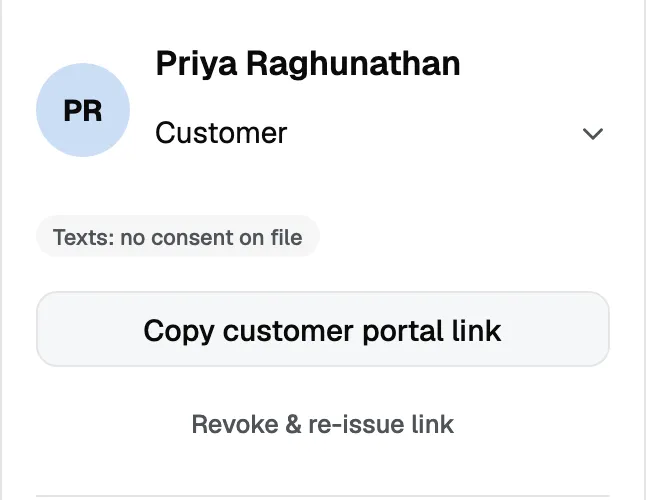
It works for anyone who has it. That is what makes it easy for the customer and what makes it worth handling carefully.
A link lasts 12 months. After that it stops working, and asking for the link again issues a fresh one. The new link is a different address, so a customer who bookmarked the old one needs the new one sent to them.
If a link reaches the wrong person, revoke it from the same place you created it. It stops working immediately, and you can issue a new one.
Who can share one
Owners, admins and team members can create and revoke portal links.
Subcontractors cannot. A portal link exposes a customer’s balances, so the role that never sees money does not hand one out either.
Drafts stay private
Nothing in draft appears in the portal. An estimate you are still working on is invisible until you send it, so you can build a quote in front of the customer’s own record without them watching it change.