

Owed to You
The Owed to You tile on your Home screen carries the number: everything invoiced and not yet paid, with how many invoices it is spread across. Open it and you land on those invoices.
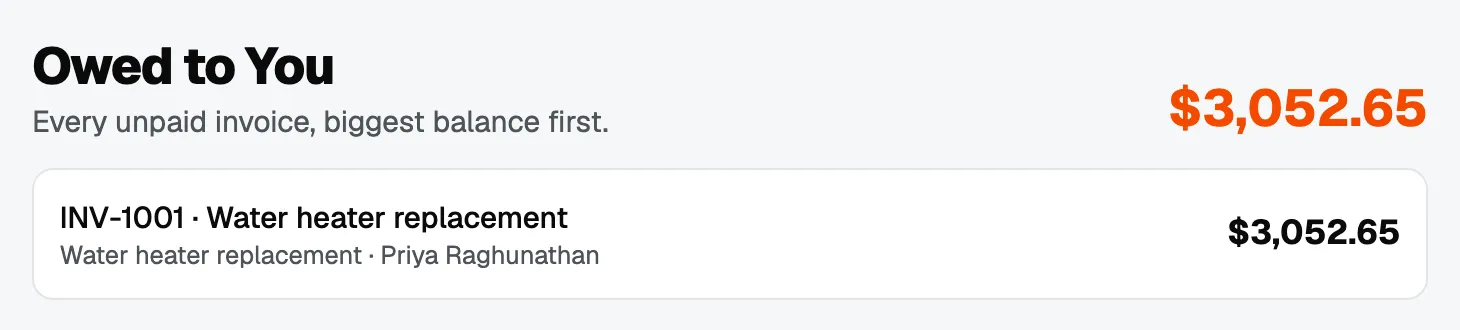
This is the number to look at on a Monday morning. Everything else tells you how the business is doing; this one tells you who to ring.
For the fuller picture, open Reports, then Invoices: who owes what and how late, with each invoice’s issue date, due date and age. Overdue is decided by calendar day in your workspace’s timezone, the same way on every screen, so an invoice is never overdue in one place and current in another.
The Home screen
Home summarises the business in tiles: Owed to You, Revenue this month, Boards (the value of the open work on your boards), and today’s Visits.
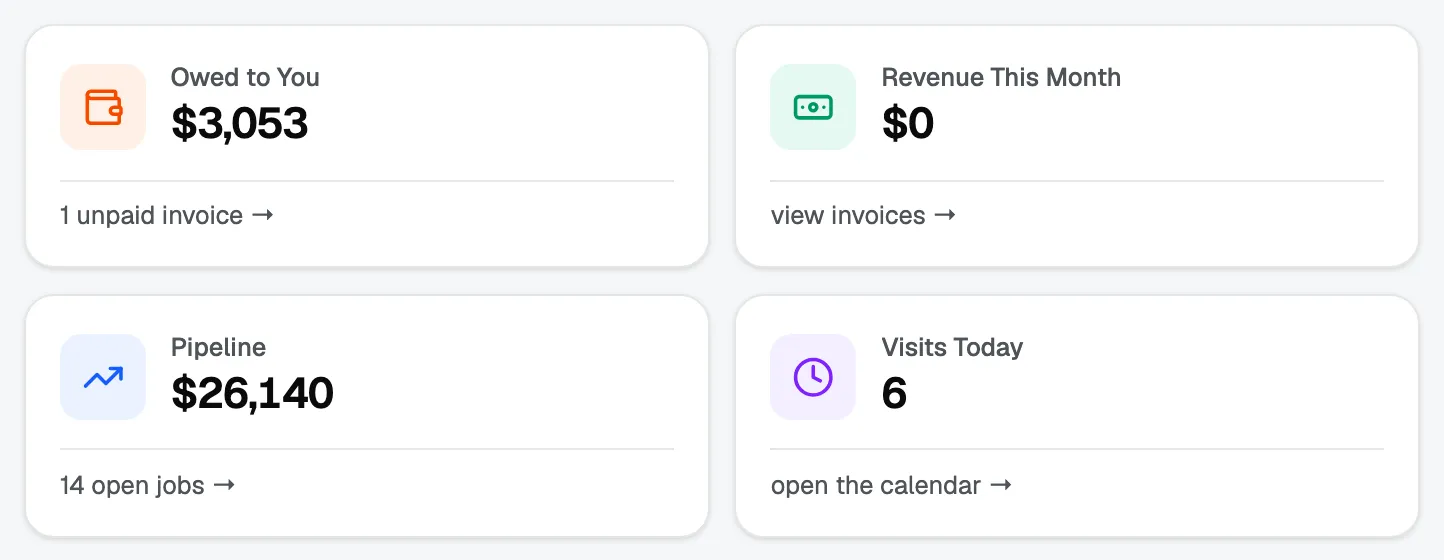
The Boards figure is the part worth understanding, because it depends on how you set your board up. Work in open stages counts toward it; won and lost stages do not. If that total looks wrong, the usual cause is a stage that should be marked won or lost and is still marked open.
See move a job through your board for how stages and win probability work.
Who can see them
Money figures follow the same rules as everywhere else. Subcontractors see no dollar figures on reports, and team members see prices but not costs. See invite your team and choose what each person sees.