
Crewfather has an iPhone app, and it is built for the person standing in a driveway rather than the person at a desk.
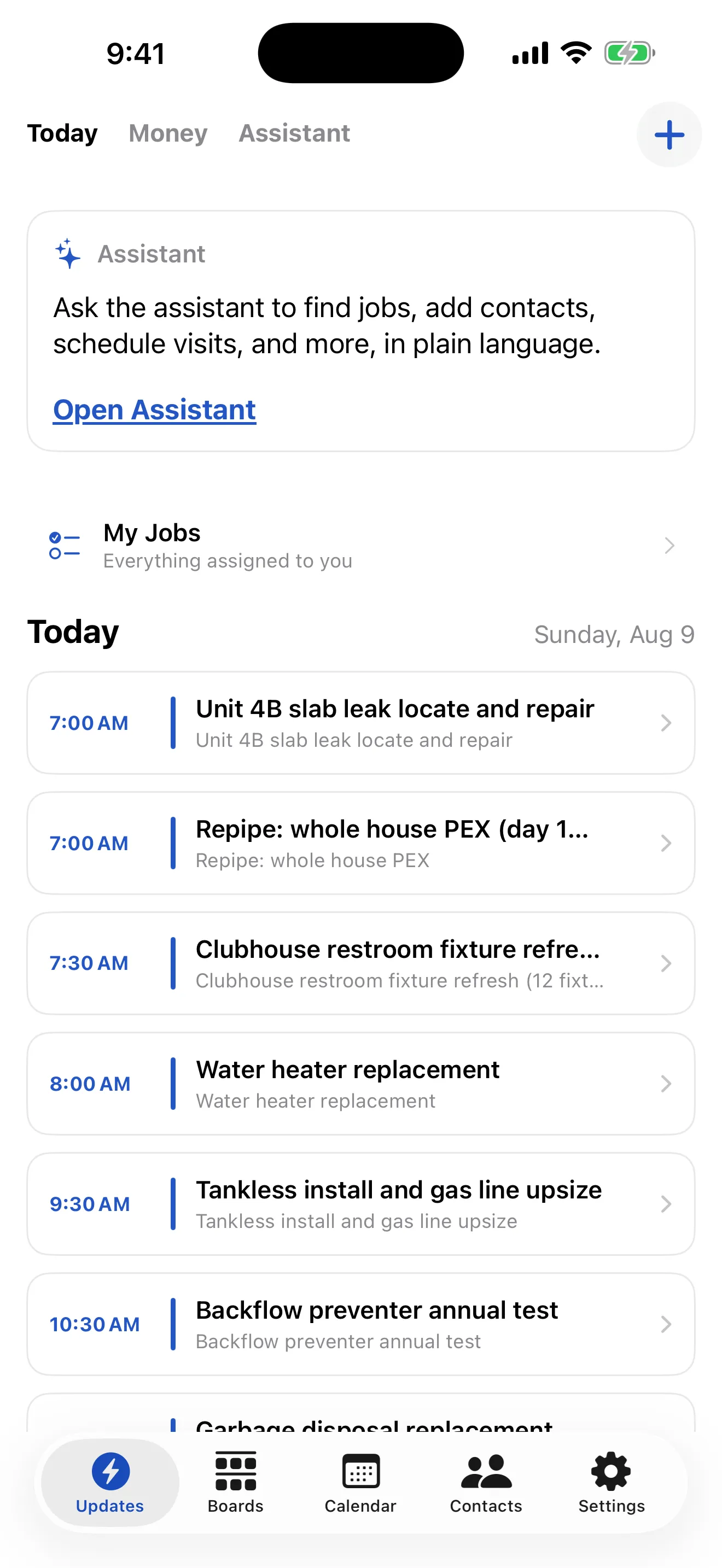
What you do in it
- See the day’s jobs and the schedule.
- Open a job: the customer, the property, the access notes, what needs doing.
- Tick off tasks, take photos, log time, add notes.
- Look up a contact and call or text them.
Signing in
Sign in with your email and password, or with Apple or Google. The app remembers you, so you are not signing in on a roof.
It is the same workspace
The app and the browser show the same data. A job you move on the board is moved on the phone, and a photo taken on site is on the job before anyone gets back to the office.
Roles work the same way too. A subcontractor with the app sees no dollar figures on it, for exactly the same reason they see none in a browser: the numbers are removed before they reach the device.