Skip to content
Docs
Search
Ctrl
K
Home
/
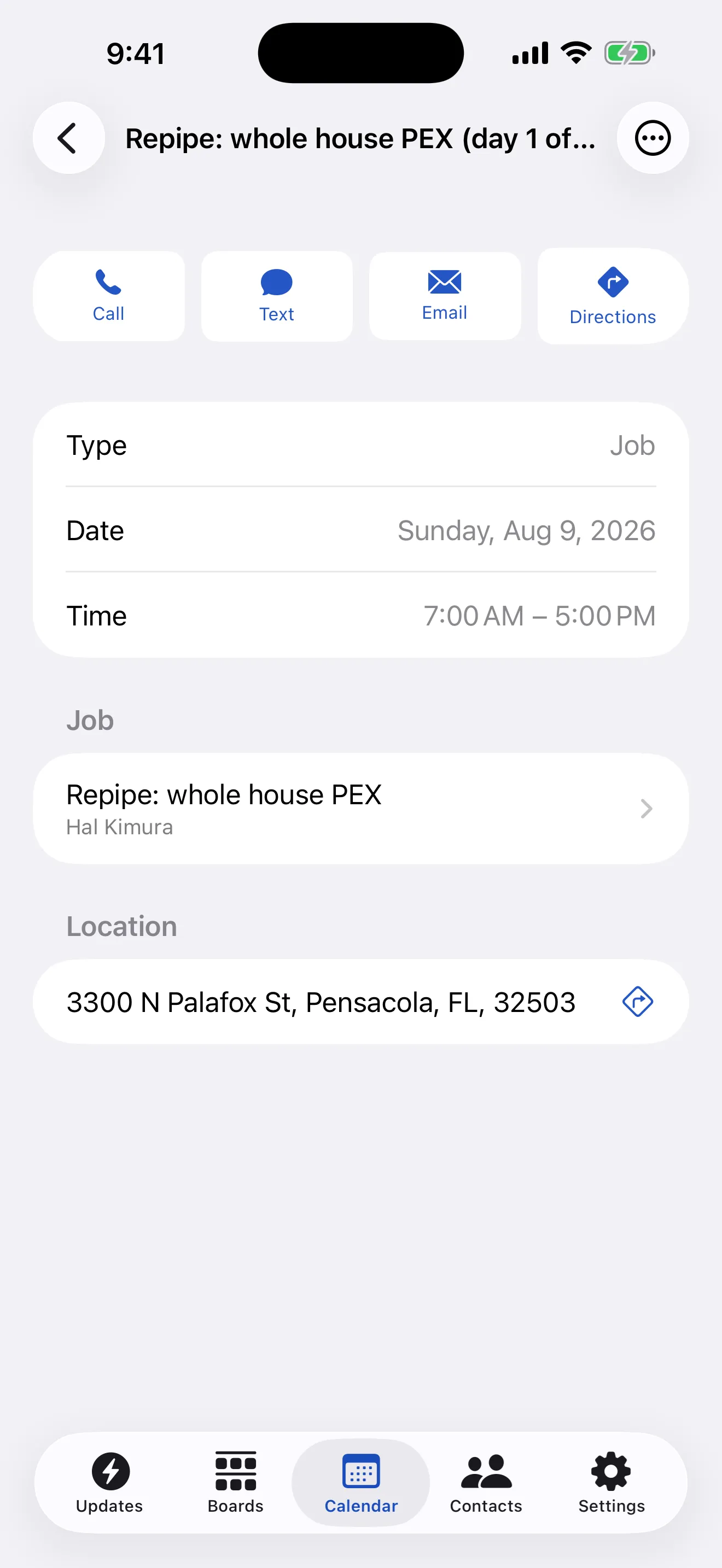
The iPhone app
The iPhone app
Run the day from your phone, with or without signal.
Updated
Oct 6, 2026
|
Copy page
|
View as Markdown
Work without signal
What the app is for
Previous
Track what suppliers charge
Next
What the app is for
Navigation
/
Customer portal and online booking
Overview
Give a customer a portal link
Take bookings from your own page
What your customer can do
Email and your Inbox
Overview
Connect your mailbox
Estimates
Overview
Quote before there is a job
Getting started
Overview
Invite your team and choose what each person sees
Protect your account with a second step
Set up your account
Invoices and payments
Overview
How your customer pays
Send an invoice
Jobs and contacts
Overview
Add a customer and a job site
Make a before and after photo
Move a job through your board
QuickBooks
Overview
Connect QuickBooks Online
What syncs, and which way
When a sync stops
Reports
Overview
See what you are owed
Schedule
Overview
Assign work to your crew
Choose a calendar view
Put a job on the calendar
Settings
Overview
Build a price book
Set up recurring plans
Set up your company details
Suppliers and materials
Overview
Track what suppliers charge
The iPhone app
Overview
What the app is for
Work without signal
Workflows
Overview
When this happens, do that
Your AI
Overview
Ask Crewfather
Connect the AI you already use
Your subscription
Overview
Trials, plans and paying us
Your team and permissions
Overview
What each role can see
Working with subcontractors
Esc
Type to search…
↑↓ navigate
↵ select
Esc close